
Statistics#
In the Experiment Statistics page, first, you will see two input boxes: Job Section and Past hours (from now), followed by the button Get Statistics:
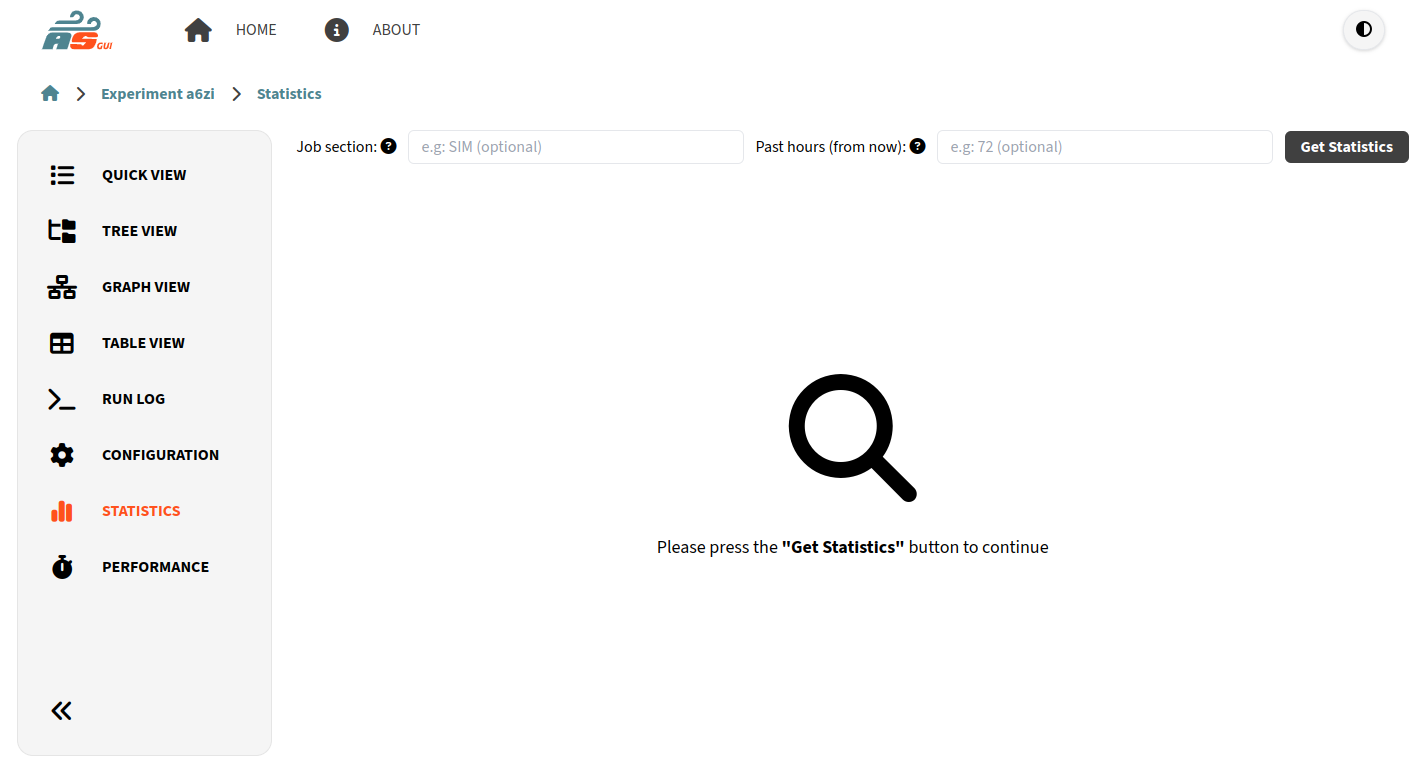
Experiment Statistics page#
There is also a brief explanation of the input fields when hovering the ? icon. Basically, Job Section allows you to narrow your search to certain job section, and Past Hours allows you to set a time limit to look into the past in hours.
Important
Job Section and Past hours (from now) are optional inputs. If none if provided, they’ll set to Any (all jobs) and 0 (from the start of the experiment), respectively.
Clicking to Get Statistics will show you the results of the statistics calculation like this:
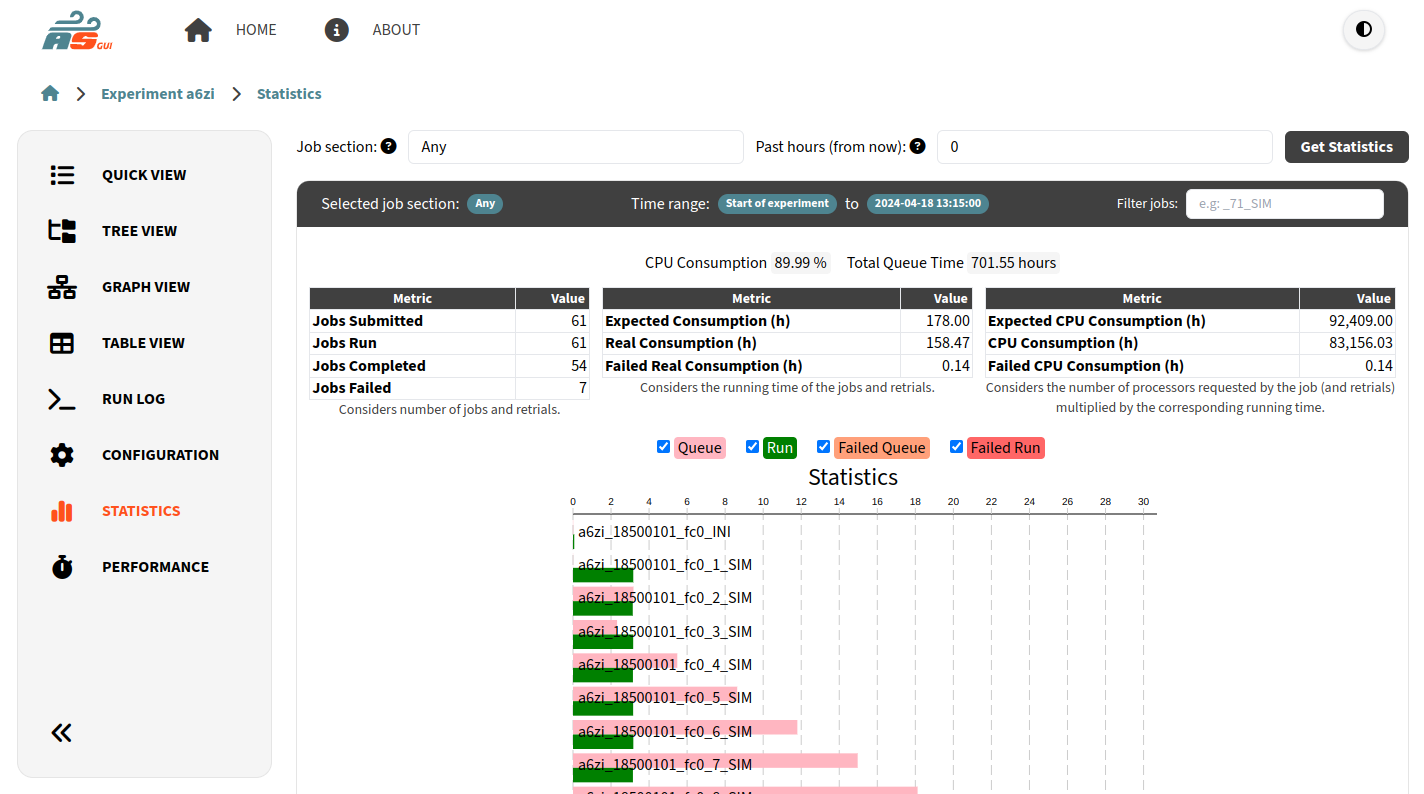
Experiment Statistics Results#